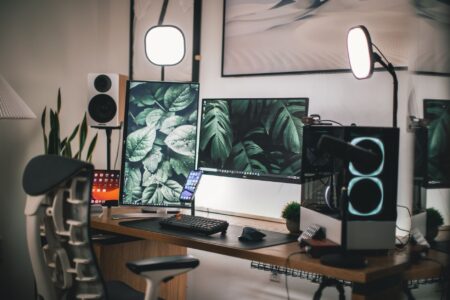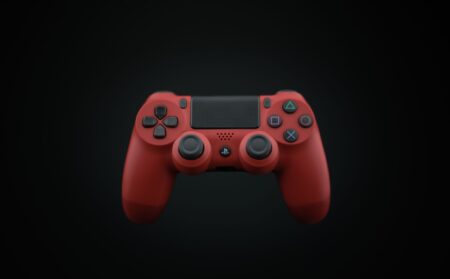




The PlayStation 5’s Remote Play feature has found an unexpected perfect match in Valve’s Steam Deck. While Sony designed the technology primarily for PlayStation Portal and mobile devices, Steam Deck users have discovered that Remote Play transforms their handheld into the ultimate PlayStation companion device, combining the best of both gaming ecosystems.
Steam Deck’s impressive hardware specifications make it an ideal platform for PlayStation Remote Play. The device’s custom AMD APU delivers smooth streaming performance, while its 7-inch touchscreen provides crisp visuals for PlayStation games. The dual trackpads and full controller layout translate PlayStation controls seamlessly, eliminating the awkward touch controls that plague smartphone Remote Play sessions.
Superior Performance Over Dedicated Hardware
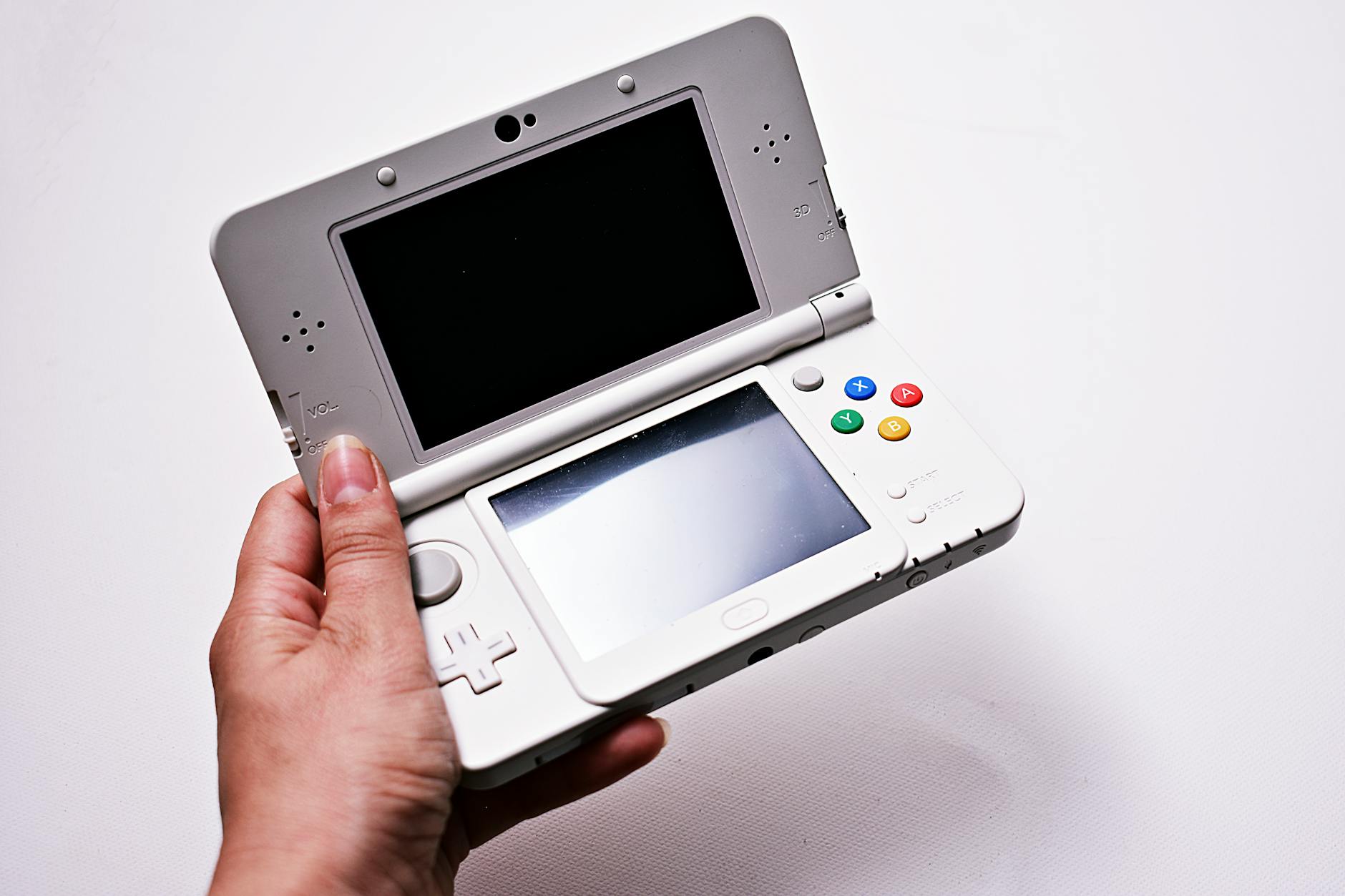
Remote Play on Steam Deck consistently outperforms Sony’s own PlayStation Portal in several key areas. The Steam Deck’s more powerful processor handles video decoding more efficiently, resulting in reduced input lag and better frame stability during intensive gaming sessions. Users report significantly fewer connection drops and faster reconnection times compared to the Portal.
The Steam Deck’s battery life during Remote Play sessions extends well beyond the Portal’s capabilities. While PlayStation Portal typically provides 7-8 hours of gameplay, Steam Deck users achieve 10-12 hours of Remote Play on a single charge due to the less demanding nature of video streaming compared to native gaming. This extended battery life makes the Steam Deck perfect for long-distance travel or extended gaming sessions away from home.
Storage advantages further separate the Steam Deck from PlayStation Portal. Users can download and store PlayStation games locally through Remote Play’s download feature, then switch seamlessly between streamed PlayStation titles and native Steam games without changing devices. This flexibility proves invaluable for gamers who want access to multiple libraries without carrying multiple handhelds.
Seamless Integration with Existing Workflows
Steam Deck’s Linux-based SteamOS handles PlayStation Remote Play through multiple methods, giving users unprecedented flexibility. The official PlayStation Remote Play app runs smoothly through Proton compatibility layer, while third-party solutions like Chiaki provide additional customization options for advanced users. This variety ensures that users can optimize their Remote Play experience based on their specific network conditions and preferences.
The device’s desktop mode unlocks additional possibilities for PlayStation integration. Users can run PlayStation’s PC launcher alongside Remote Play, accessing their PlayStation account, trophies, and social features while streaming games from their console. This creates a unified PlayStation experience that surpasses what Sony offers on its own dedicated hardware.
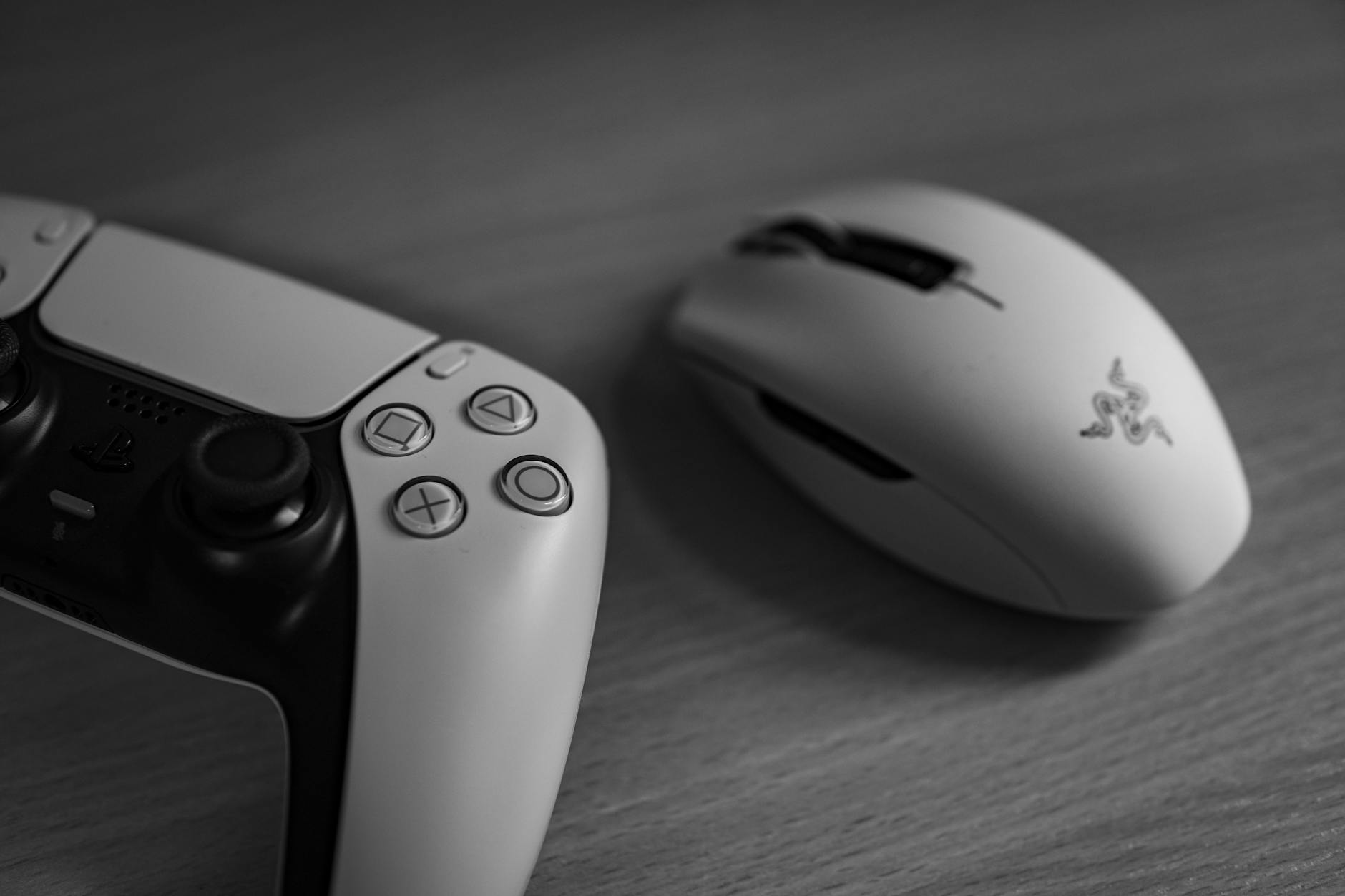
Network optimization tools available on Steam Deck provide granular control over streaming quality. Users can adjust bitrate, resolution, and frame rate settings more precisely than PlayStation Portal allows, optimizing performance for their specific internet connection. Advanced users can even implement custom network configurations and VPN solutions for remote access from anywhere with internet connectivity.
Gaming Library Synergy
The true magic happens when Steam Deck users combine their Steam and PlayStation libraries. Cross-platform games purchased on both platforms can be played natively through Steam or streamed from PlayStation, allowing users to choose the optimal version based on performance, features, or save game compatibility. This flexibility proves particularly valuable for games that support cross-save functionality.
PlayStation exclusives gain new life through Remote Play on Steam Deck. Titles like “Spider-Man 2” and “Horizon Forbidden West” that aren’t available on PC can be enjoyed portably without compromising the full console experience. The Steam Deck’s controls and display quality ensure these exclusives look and feel as intended, unlike the compromised mobile versions that sometimes appear on other platforms.
Multiplayer gaming receives a significant boost through this combination. Steam Deck users can participate in PlayStation Party chat while playing Steam games, or join PlayStation multiplayer sessions while traveling. The device’s built-in microphone and speakers eliminate the need for additional accessories, streamlining the social gaming experience.
Technical Advantages and Future Potential
Steam Deck’s open platform nature allows for continuous improvement of the Remote Play experience through community development and official updates. Valve regularly optimizes SteamOS for better streaming performance, while the PlayStation app receives frequent updates that improve compatibility and features. This ongoing development ensures that Remote Play performance continues improving over time.
The device’s compatibility with external accessories expands Remote Play possibilities beyond Sony’s intended scope. Users can connect external monitors for big-screen PlayStation gaming, attach mechanical keyboards for text input, or use specialized controllers for specific game genres. PlayStation Portal’s locked ecosystem cannot match this expandability.

Sony’s focus on live service games aligns perfectly with Remote Play’s strengths on Steam Deck. Always-online titles like “Destiny 2” and upcoming live service projects benefit from the consistent connection quality and extended battery life that Steam Deck provides. As Sony continues betting big on live service games, Steam Deck users position themselves to access these experiences from anywhere with reliable internet.
The combination of Steam Deck and PlayStation Remote Play represents the future of multi-platform gaming. As cloud gaming technology continues evolving, devices like Steam Deck that can seamlessly blend local and streamed content will become increasingly valuable. While Sony’s dedicated streaming hardware serves its purpose, the flexibility and power of Steam Deck create a superior Remote Play experience that showcases the potential of open gaming platforms.
This unexpected partnership between Valve and Sony hardware demonstrates how gaming’s future lies not in walled gardens, but in devices that bridge ecosystems and provide users with maximum choice and flexibility.
Frequently Asked Questions
Does PlayStation Remote Play work better on Steam Deck than PlayStation Portal?
Yes, Steam Deck typically provides better performance, longer battery life, and more customization options than PlayStation Portal for Remote Play gaming.
Can I play PlayStation exclusives on Steam Deck through Remote Play?
Yes, Remote Play allows you to stream any PlayStation game to Steam Deck, including exclusives not available on PC platforms.