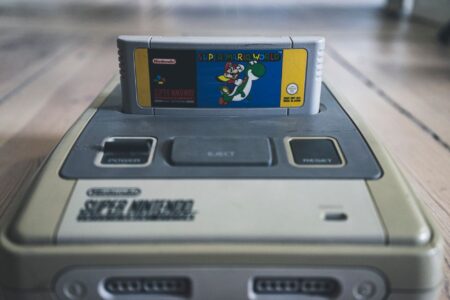




A Family Console With a Complicated Fine Print
Nintendo built its reputation on being the safe choice for parents. From the Wii’s living room appeal to the original Switch’s portable family credentials, the company has always marketed itself as the console you can hand to a kid without worry. The Switch 2 continues that pitch – bigger screen, sharper visuals, a library stacked with Nintendo’s familiar-friendly franchises. But parents who have spent time with the system’s parental control setup are finding that the confidence Nintendo sells in its advertising doesn’t quite match the experience waiting in the settings menu.
The frustrations aren’t dramatic enough to make headlines on their own, but they’re accumulating. Forum threads, parenting communities, and retail Q&A sections are filling up with the same kinds of complaints: controls that don’t carry over cleanly from old accounts, communication features that require separate oversight, and a spending limit system that still has enough gaps to let a determined child find a workaround. For a console launching at a premium price point and targeting families as a core demographic, these gaps feel like unfinished business.
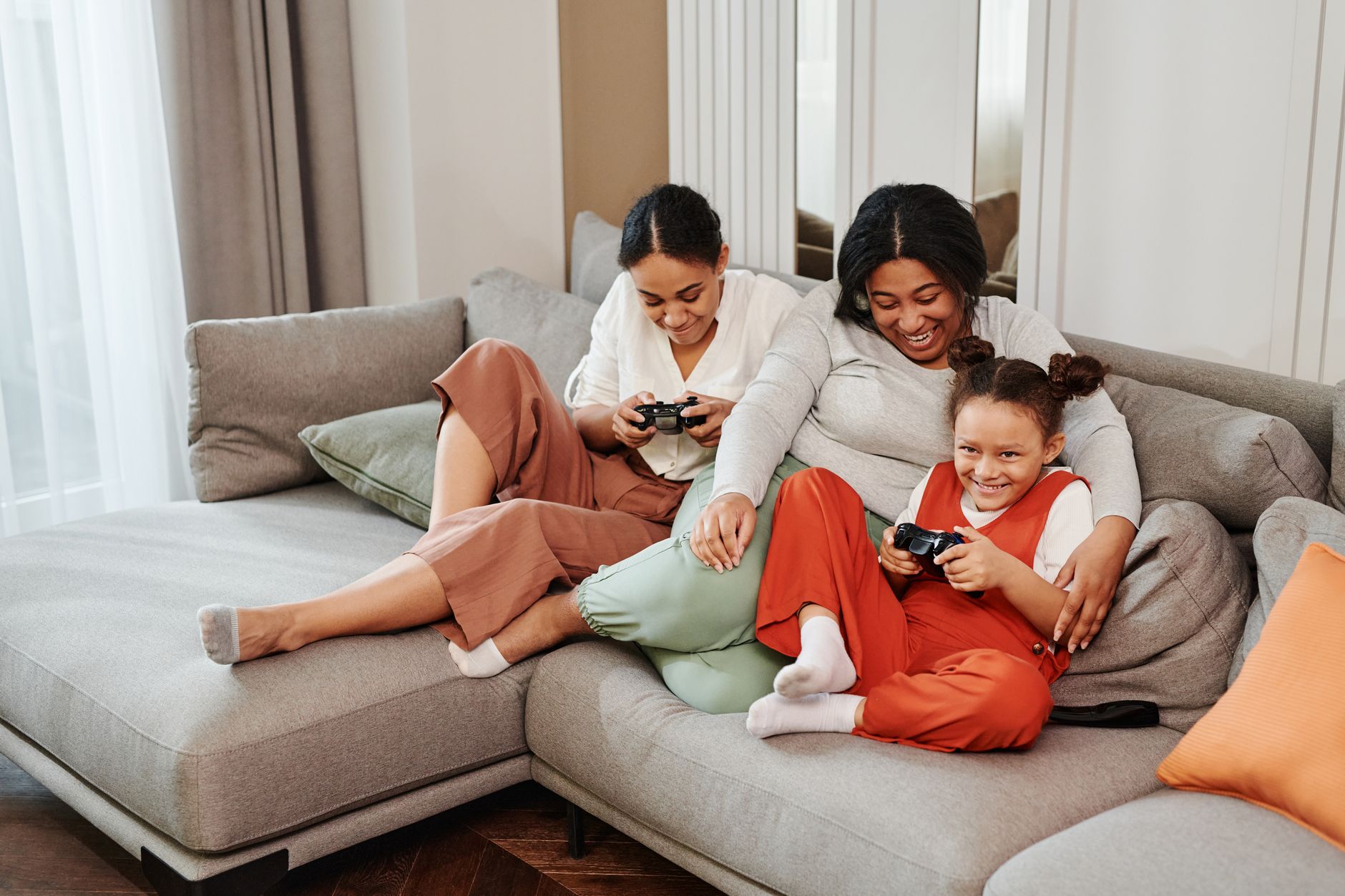
What the Switch 2 Parental Controls Actually Offer
Nintendo’s parental control system on Switch 2 runs through a companion app, which was already the setup on the original Switch. The app lets parents set playtime limits, restrict content ratings, disable online features, and monitor usage from a phone. That foundation is functional and, compared to some competing consoles, reasonably well designed. Parents who are already familiar with the original Switch app will recognize most of it immediately, which is either a comfort or a red flag depending on what you hoped Nintendo had fixed.
The problems start when families move from the original Switch to the Switch 2. Account migration doesn’t automatically transfer parental control settings, meaning parents who assumed their existing configurations would follow them over are discovering that the process requires a manual rebuild. Nintendo provides documentation, but the assumption buried in that process – that the parent setting up the new console has already read the fine print – is doing a lot of heavy lifting for a product aimed at non-technical household buyers.
Spending controls are where the friction becomes most visible. The Switch 2 supports Nintendo eShop purchases, and while parents can restrict purchases through the parental controls, the actual funding mechanism – Nintendo Account balances, credit cards saved to profiles, digital gift cards – creates enough surface area for a child with a little patience to navigate around a restriction. The system doesn’t automatically block all paths to spending; it blocks the most obvious one. That’s a meaningful difference for parents who aren’t fluent in how Nintendo’s account ecosystem is structured.
Where Competing Platforms Have Pulled Ahead
Sony’s PlayStation family account system and Microsoft’s family safety tools on Xbox have both received substantial updates over the past few hardware generations, driven partly by regulatory pressure and partly by genuine competitive pressure from parents choosing platforms based on these features. Both systems now offer spending approval workflows that send a direct request to a parent’s phone before any purchase completes, regardless of how the account is funded. Nintendo’s current implementation doesn’t offer a real-time spending approval step – you either allow purchases or you don’t, with no middle ground that lets a child ask for permission in the moment.
That approval workflow might sound minor, but it changes the dynamic entirely. It turns the parental control system from a blunt restriction tool into a communication channel between parent and child, which is how most family researchers describe healthy technology management working in practice. Nintendo not having this feature in 2025 isn’t a technical limitation – it’s a design decision that the company hasn’t updated in years.
The Communication Feature Problem Nobody Warned Parents About
Switch 2 introduced a new chat and communication feature tied to Nintendo Switch Online, which allows voice chat and messaging through the system in ways the original Switch didn’t natively support. For older players, this is a long-overdue addition. For parents of younger children, it opened a category of concern the original Switch simply didn’t have.
The parental controls do allow parents to restrict online communication, and Nintendo has made that option available. The complication is that the restriction settings for communication features are not prominently surfaced during initial setup. The default flow gets families online quickly, and the more granular communication restrictions sit deeper in the menu structure. A parent who completed setup in good faith, thinking they’d configured everything, may have left online chat enabled without realizing it. Nintendo’s setup guidance would need to be more direct about this to change that outcome.
There’s also the question of how Switch 2’s communication tools interact with third-party apps. Discord integration, which is popular with the Switch 2’s teenage audience, exists partly outside Nintendo’s parental control jurisdiction. A parent can restrict Nintendo’s native chat features and still have a child using Discord voice chat while playing Switch 2 games. This isn’t a problem Nintendo created, but it’s a problem Nintendo’s parental control marketing doesn’t acknowledge, and that gap between what parents think they’re managing and what they’re actually managing is where the real frustration lives.
Nintendo’s own guidance on these scenarios remains thin. The support documentation covers the controls that exist; it doesn’t help parents understand the full communication landscape their child is entering when they go online with the Switch 2. That kind of contextual guidance is the difference between a parental control system and a parental control product – and right now, Nintendo is offering the former without fully committing to the latter.

What Families Are Actually Asking For
The requests showing up repeatedly in parent communities aren’t radical. Real-time purchase approval. Cleaner account migration that preserves existing control settings. Upfront communication feature disclosure during setup rather than buried in documentation. Scheduled downtime that the child can’t override without a PIN, which the Switch 2’s playtime limit feature technically offers but applies inconsistently depending on how the device is being used at the time the limit kicks in.
None of these are features that would require Nintendo to rethink its platform. They are, at this point, table stakes for a family console. The Switch 2 is selling well, and Nintendo’s family brand is strong enough that most parents will buy it anyway. But the parental control gaps are eroding exactly the kind of trust that makes a parent recommend the platform to another parent, and word-of-mouth from satisfied family buyers is what sustains Nintendo’s position across generations of hardware.
The Switch 2 is a genuinely good console, and its game library – from cooperative titles to single-player experiences across every age range – makes the case for itself. What it still hasn’t made a strong enough case for is whether Nintendo takes the family buyer seriously enough to finish the job on the tools that actually matter to that buyer. A firmware update could address some of this. A design philosophy update would address the rest.
The real question isn’t whether Nintendo can fix these gaps – technically, most of them are straightforward. It’s whether enough families push back loudly enough that Nintendo treats parental controls as a product priority rather than a compliance checkbox. So far, the feedback is building. Whether Nintendo is listening to the parenting forums the same way it listens to speedrunning communities is a different matter entirely.
Frequently Asked Questions
Does the Nintendo Switch 2 have parental controls?
Yes, Switch 2 uses a companion app to manage playtime, content ratings, and online features, but several key tools like real-time purchase approval are missing.
Can parents block spending on the Switch 2 eShop?
Parents can restrict purchases, but the system doesn’t offer a real-time approval step, and multiple funding paths in Nintendo’s account ecosystem can create workarounds.