




Microsoft’s Xbox Game Bar has quietly evolved from a basic screenshot tool into the command center that Windows PC gaming desperately needed. After years of fragmented gaming experiences across different launchers and platforms, the integration finally delivers what gamers have been demanding: a unified overlay that works everywhere.
PC gaming has long suffered from complexity overload. Steam, Epic Games Store, Xbox Game Pass, Origin, and countless other platforms each demanded their own interfaces, friends lists, and recording tools. Xbox Game Bar cuts through this chaos by providing universal functionality that works regardless of which game launcher you’re using or where you bought your games.
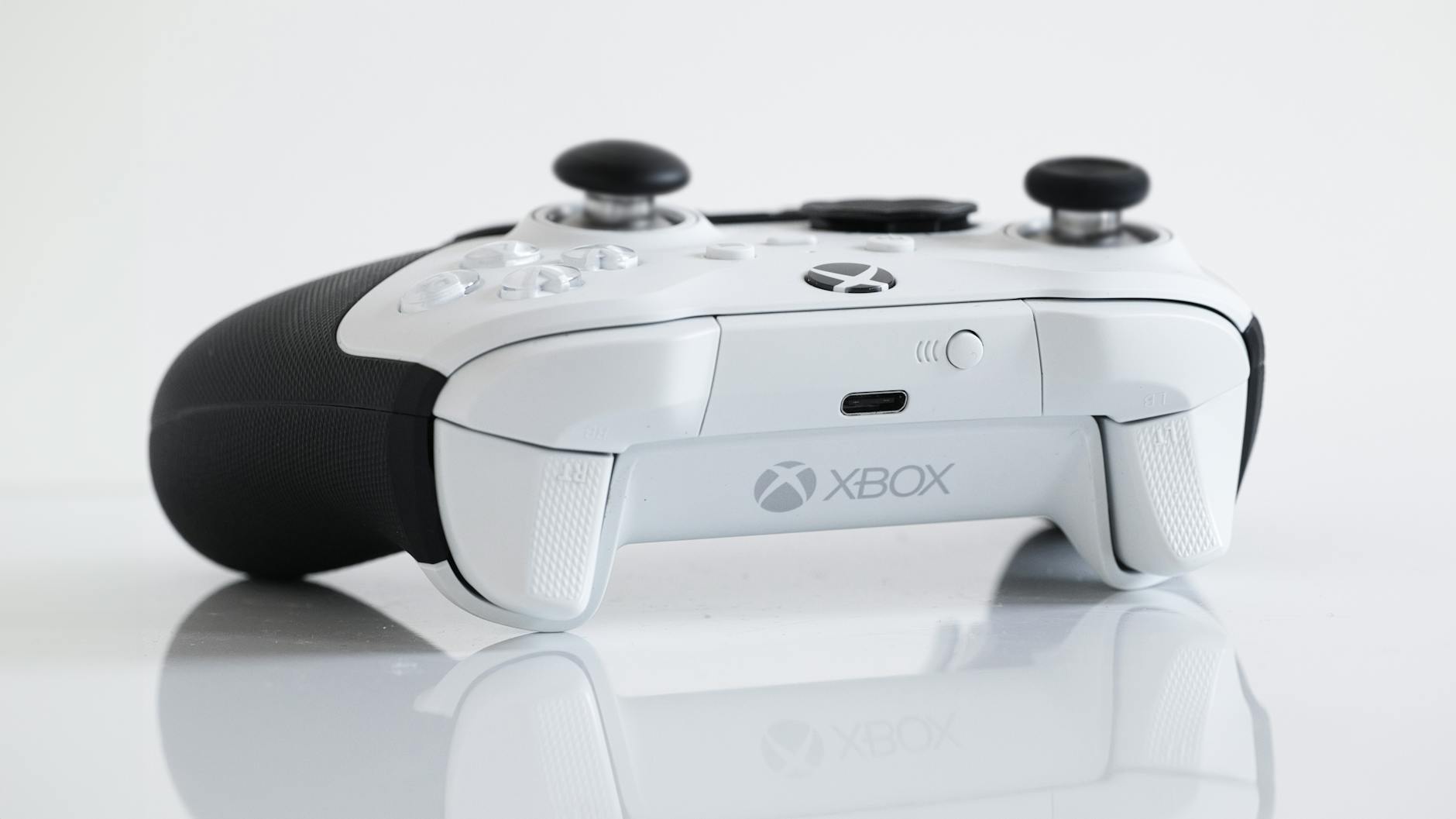
Universal Overlay That Actually Works
The Game Bar’s most significant achievement lies in its platform-agnostic approach. Press Windows + G in any game, whether it’s a Steam title, Epic exclusive, or Game Pass offering, and the same familiar interface appears. This consistency eliminates the frustration of remembering different screenshot shortcuts or wondering which platform has your recent recordings.
Recent updates have transformed the overlay from a simple recording interface into a comprehensive gaming hub. The widget system now includes performance monitoring, audio controls, social features, and even web browsing without leaving fullscreen games. Unlike proprietary solutions from individual game launchers, Xbox Game Bar works seamlessly across all platforms.
The integration extends beyond basic functionality. Friends lists now aggregate contacts from multiple gaming platforms, making it easier to see who’s online regardless of where they’re playing. This addresses one of PC gaming’s biggest pain points: maintaining connections across fragmented ecosystems.
Performance Integration Done Right
Modern gaming demands real-time performance awareness, and Xbox Game Bar delivers without requiring third-party software. The built-in performance widgets display frame rates, CPU usage, GPU utilization, and RAM consumption with minimal system overhead. This native integration means no additional software installations or compatibility concerns.
The performance monitoring extends to advanced features like hardware-accelerated encoding for recordings and streams. The system leverages GPU capabilities to capture gameplay footage without the severe performance penalties that plagued earlier solutions. This improvement makes content creation accessible to more gamers without requiring dedicated capture hardware.
Temperature monitoring and fan curve information provide insights previously available only through specialized utilities. The integration means gamers can spot thermal throttling or system stress without tabbing out of games or running multiple monitoring applications simultaneously.
Social Features That Bridge Platform Gaps
Gaming’s social evolution has been hampered by platform exclusivity, but Xbox Game Bar’s integration approach offers a solution. The social features work across different game stores and platforms, creating a unified experience for PC gamers who own titles from multiple sources.
Voice chat functionality integrates with Xbox Party Chat, enabling communication with console players and PC users across different game libraries. This cross-platform gaming integration represents a significant step toward truly universal gaming experiences.
The Looking for Group feature connects players across game platforms, addressing the challenge of finding teammates when communities are split across different launchers. Whether organizing raids in games from Steam or coordinating matches in Epic exclusives, the unified approach simplifies social gaming.
Recent additions include activity feeds that showcase achievements and gameplay highlights from friends regardless of their chosen platform. This social integration creates a more cohesive gaming community experience on PC, something that has been missing since the platform’s fragmentation accelerated.
Content Creation Made Accessible
Xbox Game Bar has democratized gaming content creation by eliminating technical barriers that previously required expensive software or extensive knowledge. The integrated recording and screenshot tools work reliably across all games and platforms, providing consistent quality regardless of the underlying technology.
The recent addition of background recording means capturing unexpected moments without planning ahead. The system continuously buffers gameplay footage, allowing retroactive capture of highlights that would otherwise be lost. This feature works seamlessly across different game engines and rendering technologies.
Streaming integration connects directly with popular platforms like Twitch, making live broadcasting accessible without additional software installations. The hardware-accelerated encoding ensures streaming doesn’t significantly impact gaming performance, addressing a major concern for content creators working with limited system resources.
Editor functionality within the Game Bar allows basic video trimming and highlight creation without leaving the gaming environment. While not replacing professional editing software, these tools handle the majority of social media sharing needs that drive modern gaming content creation.
The Future of Unified PC Gaming
Xbox Game Bar’s integration success demonstrates Microsoft’s understanding of PC gaming’s core challenges. Rather than forcing users into exclusive ecosystems, the approach embraces platform diversity while providing unified functionality. This philosophy aligns with broader industry trends toward cross-platform compatibility and reduced fragmentation.
Future development appears focused on expanding integration rather than creating new exclusive features. Recent beta updates include enhanced mod support, community features, and deeper integration with Microsoft’s broader gaming ecosystem. The roadmap suggests continued emphasis on universal compatibility over platform exclusivity.
The success of Xbox Game Bar’s integration approach may influence how other companies develop gaming software for PC. The demonstrated demand for universal tools that work across platforms suggests a market opportunity for solutions that prioritize compatibility over exclusivity.
As PC gaming continues evolving with new platforms and technologies, Xbox Game Bar’s foundation provides a stable base for future innovations. The integration-first approach ensures that new features benefit all PC gamers rather than fragmenting the experience further. This represents a mature understanding of what PC gaming actually needs: not another exclusive platform, but better tools that work everywhere.
Frequently Asked Questions
Does Xbox Game Bar work with non-Microsoft games?
Yes, Xbox Game Bar works with games from Steam, Epic Games Store, Origin, and any other PC gaming platform or launcher.
Can Xbox Game Bar replace third-party recording software?
For basic recording and streaming needs, yes. Xbox Game Bar includes hardware-accelerated recording, live streaming, and basic editing tools.